Convert XML invoice to PDF (XRechnung or ZUGFeRD)
Generates a readable PDF document from an electronic XML invoice (for example ZUGFeRD or XRechnung) by rendering the XML data into a formatted PDF layout.
 Convert XML invoice to PDF (XRechnung or ZUGFeRD)
Show advanced options
What this action is for
E-invoices as XRechnung or ZUGFeRD XML are made for software, not for people. This action turns the XML into a readable PDF, for example to check an incoming XRechnung or to archive it together with a readable copy. The PDF uses the layout of the official XRechnung visualization; its labels are in German.
Try it with a sample e-invoice
In our test flow the XML comes from Extract XML from ZUGFeRD PDF, run with our sample e-invoice (PDF). The steps are the same if the XML comes from an email attachment or from Get file content.
Add the action
Below the step that gives you the XML, choose + and Add an action, search for ZUGFeRD (or XRechnung) and select Convert XML invoice to PDF (XRechnung or ZUGFeRD).
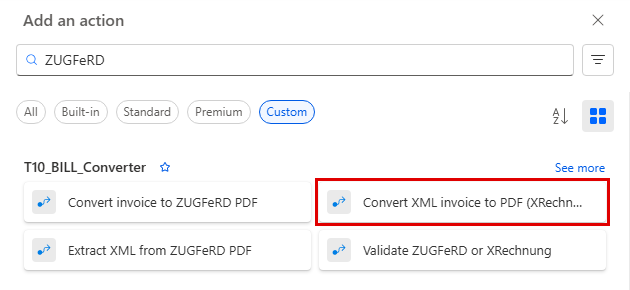
The picture was taken in our test environment. In your flow, the action is part of the connector BILL Converter by Power2Apps.
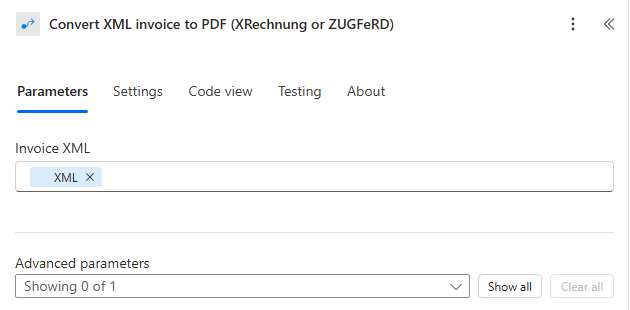
Choose the XML
Put the XML into Invoice XML; here it is XML from the action before. Under Advanced parameters, Invoice Type sets the format of the XML. Without it, the format is detected automatically.
Check the result
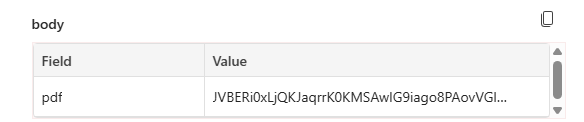
Visualized Invoice PDF is the file content of the readable PDF. Save it with Create file or attach it to an email.
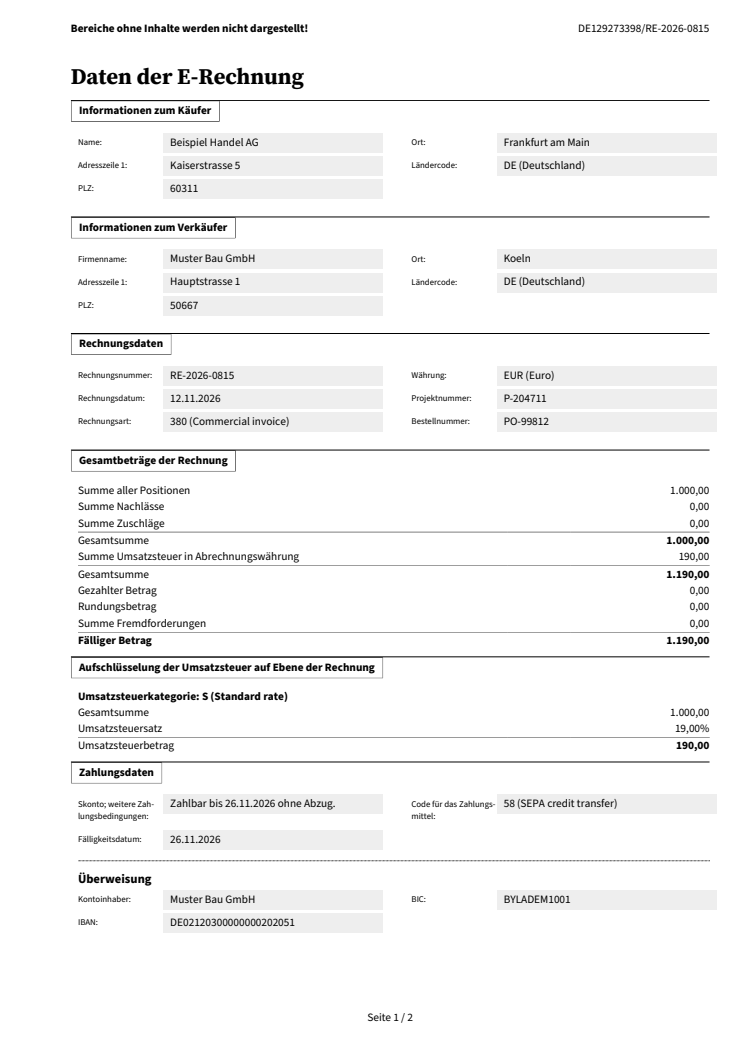
This is the PDF of our run. Page 1 shows buyer, seller, invoice data, totals, VAT and payment details; page 2 lists the invoice lines.
Parameters
| Property | Name | Type | Description |
|---|---|---|---|
xml | Invoice XML | string | The electronic invoice XML to render, e.g. XRechnung or ZUGFeRD XML. |
type | Invoice Type advanced | string (dropdown) | The e-invoice format of the XML. Default: automatic detection dynamic dropdown |
Returns
| Property | Name | Type | Description |
|---|---|---|---|
pdf | Visualized Invoice PDF | file (base64) | The rendered, human-readable PDF version of the XML invoice. |
Example request
{
  "xml": "…"
}
Example generated from the connector definition.